Press to continue.
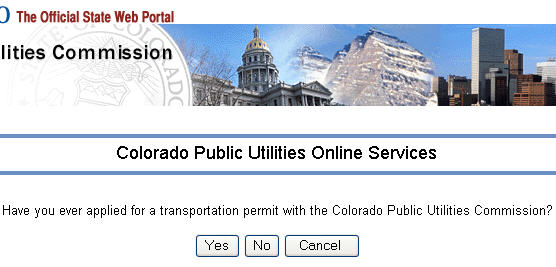
figure 1
Enter the name of your company or sole proprietor in the field provided, or enter
your permit number in the field provided (see figure 2) and click the continue button.
You can use the Company/Permit Search link to find the name of your company. 
figure 2
On the next screen, you will see the list of company names that most closely match the name you entered. Choose the name of your company and press the button.
The system is now ready to create your account and the standard account creation wizard takes over. All you have to do is to supply your email address and a password.
On the successive wizard pages, the system fills in as much information as it can from your previously submitted permit application.