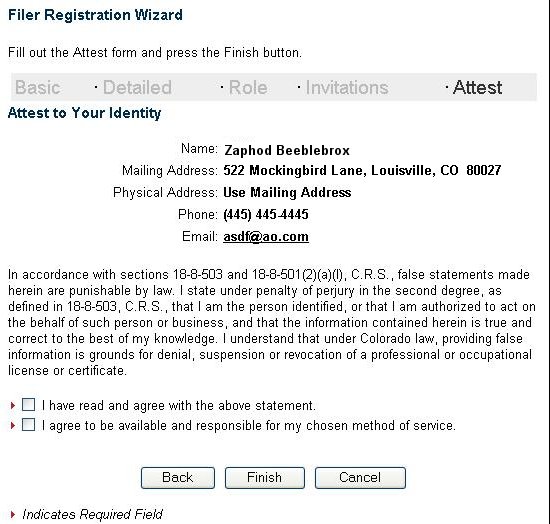
Figure 1
Read the attestation text and click the check boxes if you agree with the text.
Press the Finish button when you are
ready to submit your registration for final checks and approval. Navigation Buttons
The navigation buttons appear on each page of the wizard and allow you to
move from one page to the next and back again. Each button is described
in more detail:| Back | The back button navigates to the Invitations page. |
| Finish | Submits your registration. |
| Cancel | Returns to the E-Filings homepage without saving any information. |